
I forgot my password. How do I get a new one?
If you've forgotten your password, follow these steps:
- Select Sign in / Register in the top-right corner
- Enter your email address
- Select Continue with email. This will take you to the following screen:
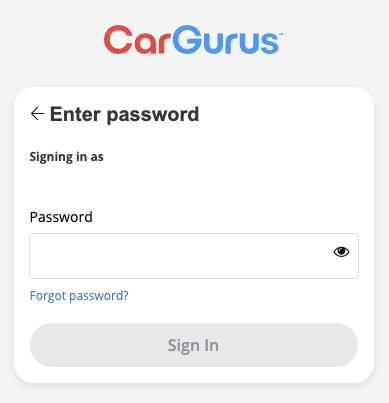
- Select Forgot password?
- We'll send an email to the address you provided. Open your inbox and look for the email prompting you to select a link to rest your password.
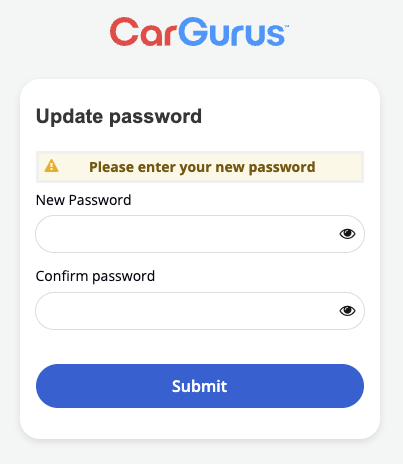
- Select the link in the email. You'll be redirected to the following screen where you can enter and confirm your new password!
For assistance with temporary authentication codes, click here.